
Sales_Contract.pdf
2.4 MB • Just now
JDYou
Send documents for signature with a clear, guided flow. Built for secure signing and smooth completion across desktop and mobile.
Sales_Contract.pdf
2.4 MB • Just now
Simple Workflow
Our streamlined process removes friction and helps documents get signed faster.
Drag and drop any PDF, Word, or image file. We automatically prepare it for secure signing.
Enter names and emails. Add multiple signers, CC recipients, or assign specific roles.
Drag fields for signature, date, text, and checkboxes exactly where needed.
Control signing sequence and set automatic reminders to avoid delays.
One click sends secure links to all parties. No app required for signers.
Get real-time status and receive the final signed PDF with full audit trail.
Draft
Document prepared
Sent
Recipients invited
Viewed
Opened by signer
Signed
Awaiting completion
Completed
Signed PDF ready
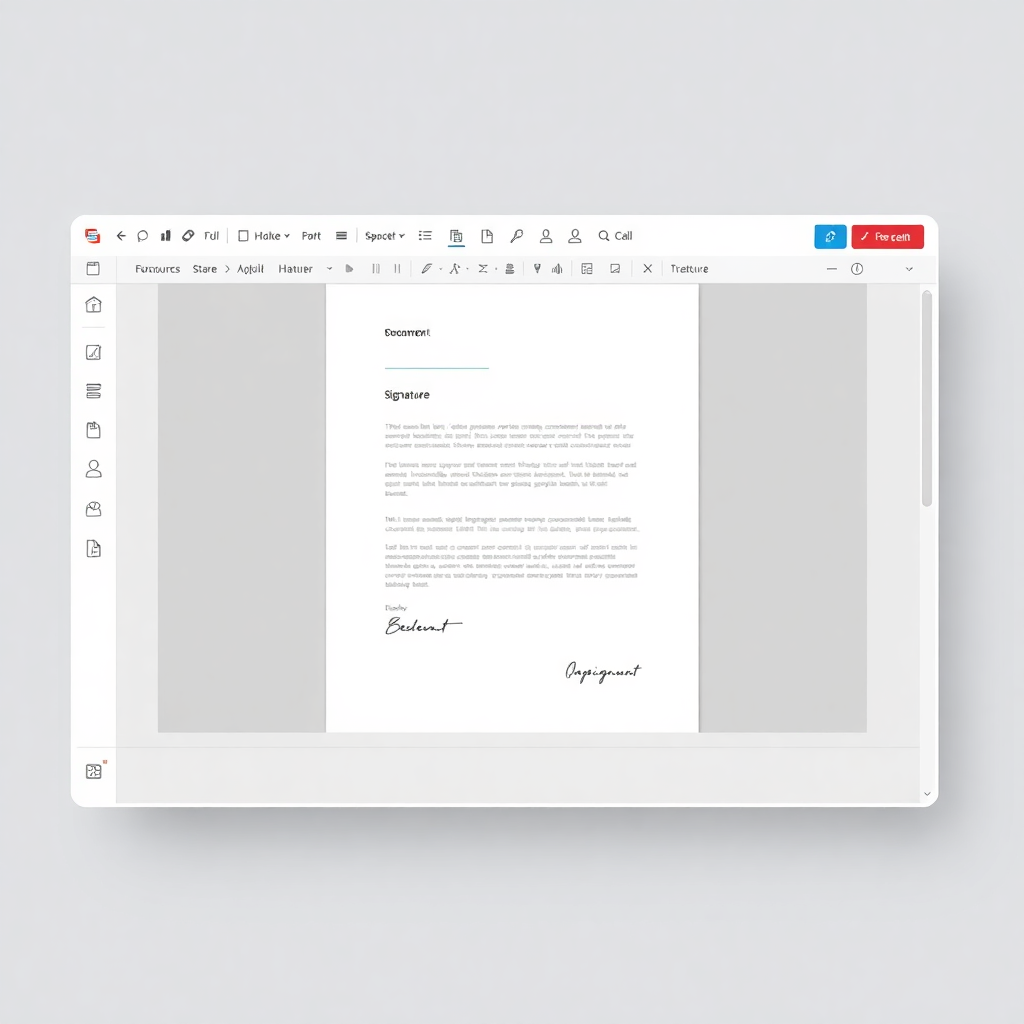
Prepare documents quickly with a clear editor designed for repeatable workflows.
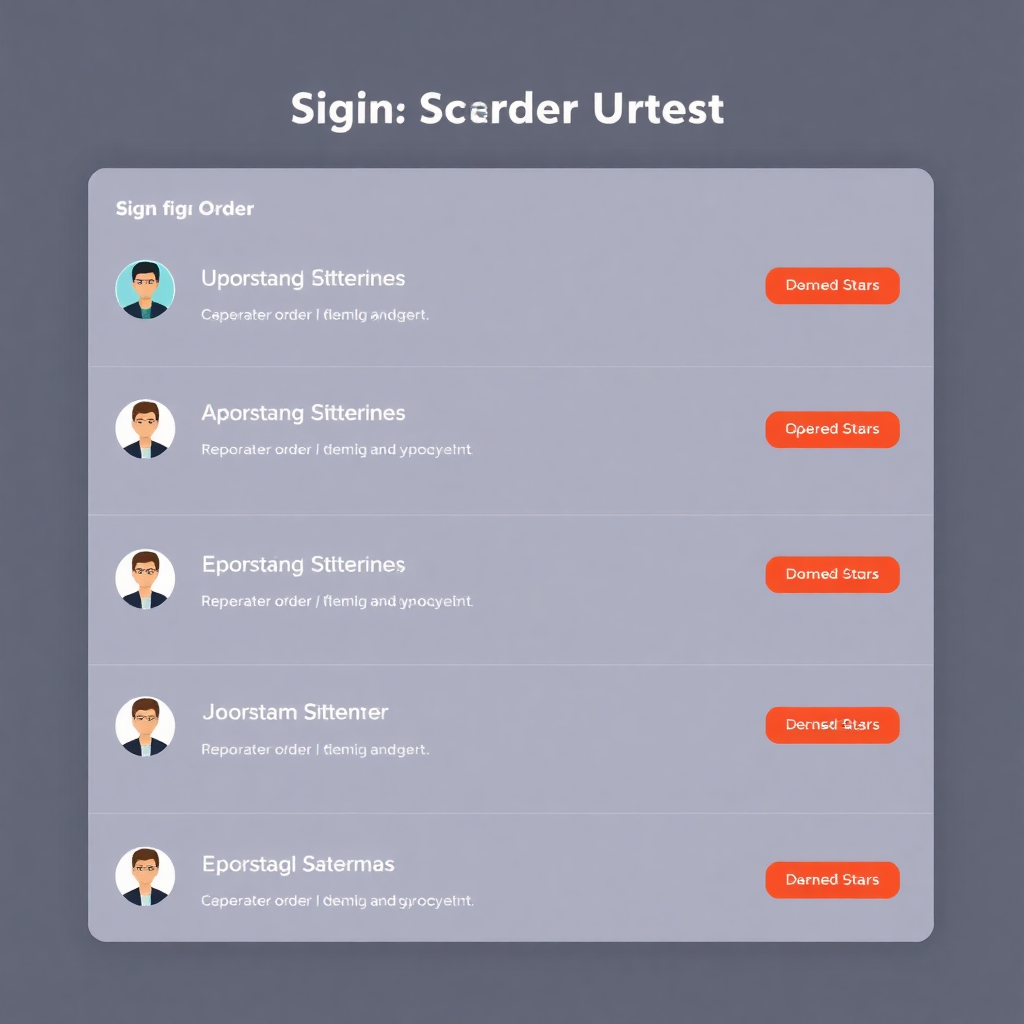
Manage signature flows with clear controls and less manual follow-up.
Your documents contain sensitive information. We treat security as a first-class requirement across every stage of signing.
Documents and API traffic are protected in transit.
Optional two-factor authentication and secure sign-in flows.
Track key document events from sent to completed.
Signing links use secure tokens for recipient access.
Real feedback from teams using eSignIQ, including AI-assisted flows, for everyday agreements.
"The setup was straightforward, we described signers in plain language and the assistant did most of the field work. Clients still get a clean, simple signing flow."
"We wanted a simpler workflow than our last tool. AI summary on long NDAs saves legal a pass before we send, and reminders keep deals moving."
"Still early days for us, but day-to-day agreements are practical already, the UI is clear and turnaround from upload to sent feels fast."
"Uploading documents and assigning signers was very intuitive. Our clients completed the signing process without needing instructions."
"We started using it for NDAs and internal contracts. The document tracking and status updates make it easy to know what’s pending."
"The setup was straightforward, we described signers in plain language and the assistant did most of the field work. Clients still get a clean, simple signing flow."
"We wanted a simpler workflow than our last tool. AI summary on long NDAs saves legal a pass before we send, and reminders keep deals moving."
"Still early days for us, but day-to-day agreements are practical already, the UI is clear and turnaround from upload to sent feels fast."
"Uploading documents and assigning signers was very intuitive. Our clients completed the signing process without needing instructions."
"We started using it for NDAs and internal contracts. The document tracking and status updates make it easy to know what’s pending."
Start free in minutes. Upload a document, let the assistant suggest signers and fields, then send. No credit card required to try the free plan.